
See what is on your disks, and what is using them
SysCap draws a folder or a whole drive as a live 3D map, sized by space, and places the programs and network connections that touch it on the same map. You can see which folder is growing, which program writes to it, and where that program's connections go, as it happens.
Download SysCap 0.9.1
For Windows 10 and 11, 64-bit.
Free during the open beta. No account, no ads.
Free during the open beta. No account, no ads.
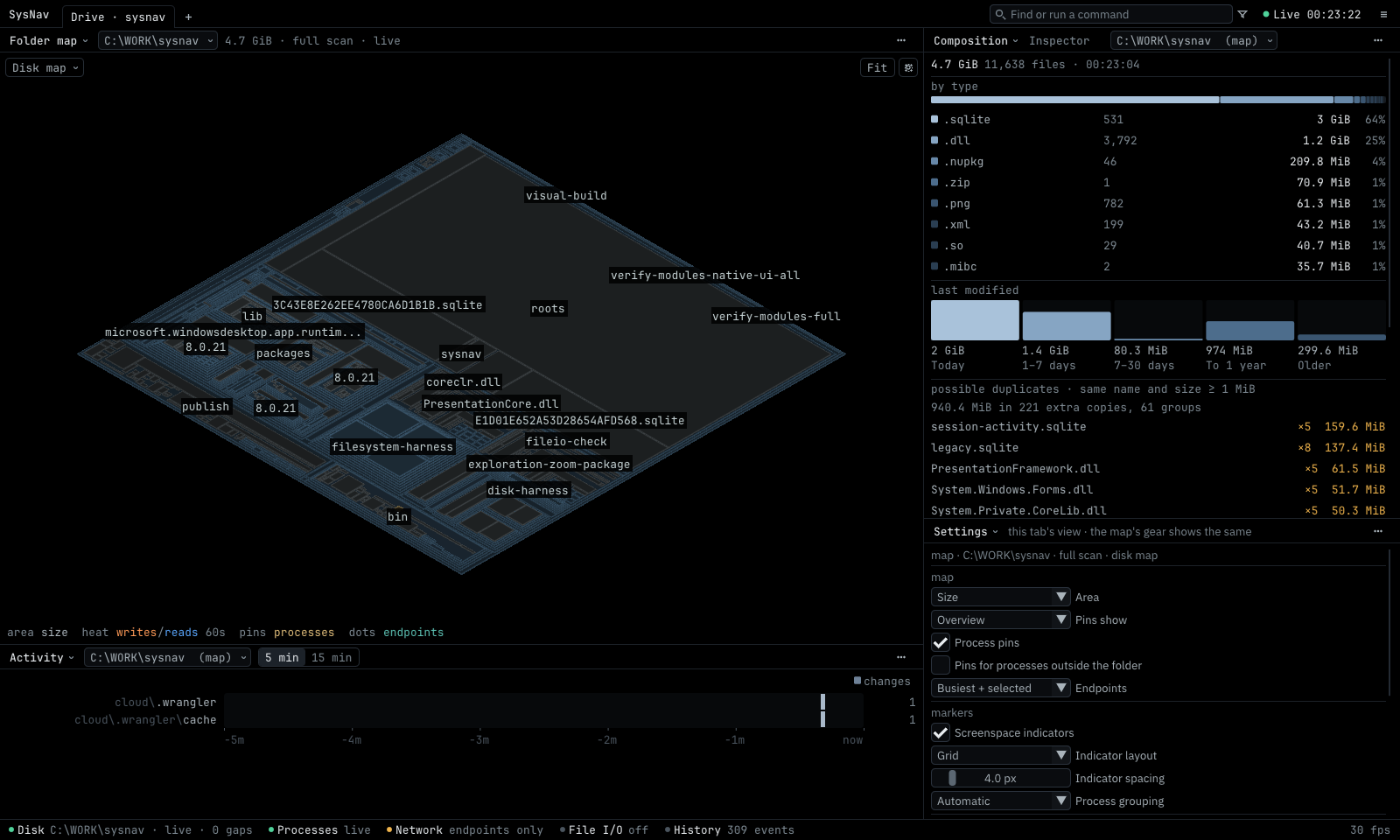
A Drive tab: the map of a folder, what fills it, and what changed in the last minutes. More screenshots »
What it does
- Disk map. Any folder or whole drive as a live 3D map, sized by bytes or file count. Changes appear as they happen.
- Composition. What fills a folder: file types, ages, largest subfolders, possible duplicates and archives.
- Processes. Running programs and their families with CPU, memory and I/O, pinned to the folders they run from.
- Network. Each program's connections and transfer counts, without looking at the data itself.
- File activity. Optionally, which program reads and writes which files. This uses Windows' own tracing, needs administrator rights, and stays off until you turn it on.
- Workspaces. Tabs that each keep their own panels, folder and view, so a disk investigation and a network check can sit side by side.
Private by design
SysCap reads names, sizes and dates, never the contents of your files or your network traffic. There is no account and no usage data. It contacts only its own update server, to check for new versions, and sends an error report only after you have read it and chosen Send. Details »
News
- 10 October 2026 SysCap 0.9.1 open beta
- The first public release: workspaces with their own folders and views, the Drive tab, automatic updates and error reports. What's new »